 AsoLocale
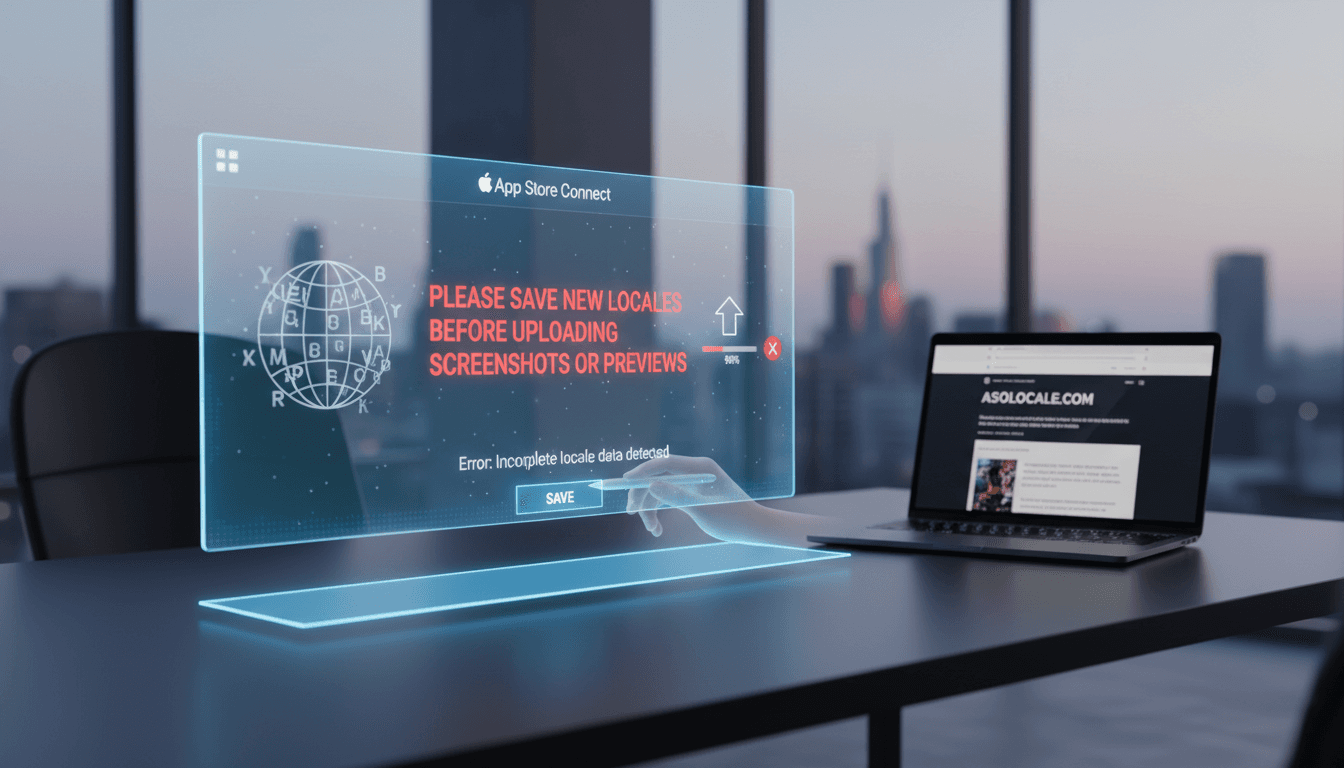
Please Save New Locales Before Uploading Screenshots Or Previews App Store: Why is it trending and what should you do next?
The message 'Please save new locales before uploading screenshots or previews app store' is trending because developers are hitting a critical App Store Co...
Summary video
Please Save New Locales Before Uploading Screenshots Or Previews App Store: Why is it trending and what should you do next? video
The message 'Please save new locales before uploading screenshots or previews app store' is trending because developers are hitting a critical App Store Co...
Please Save New Locales Before Uploading Screenshots Or Previews App Store: Why is it trending and what should you do next?
The message "Please save new locales before uploading screenshots or previews app store" is trending because developers are hitting a critical App Store Connect error. This warning blocks app updates when new language markets are added incorrectly. You must finalize your locale settings first. We will show you how to fix this and prevent future upload failures.
Table of Contents
- Why This Error Is Suddenly Everywhere
- What "Save New Locales" Actually Means
- Your Step-by-Step Fix for the Upload Block
- The Cost of Getting This Wrong
- Proactive Locale Management: A Better Way
- Evidence and Numbers
- Beyond the Basics: Advanced Locale Pitfalls
- How to Prevent This Error Forever
- FAQ
Why This Error Is Suddenly Everywhere
App Store Connect updates now enforce stricter locale validation. The system checks for incomplete locale data before accepting media. This error spikes when developers rush global launches. We see this daily in support queries for Asolocale users. The platform's safeguards are triggering more warnings. Recent interface changes have also confused many developers. The error appears at the final upload step, causing major frustration. Teams often prepare all marketing assets first. They then hit this technical block unexpectedly. This disrupts carefully planned launch schedules. We help teams navigate these procedural shifts seamlessly.
What "Save New Locales" Actually Means
You are adding a new language or region to your app's metadata. "Saving" means fully configuring that locale in App Store Connect. This includes the display name, description, and keywords. Uploading screenshots for an unsaved locale causes this block. We guide our users through this configuration step-by-step. Think of it as registering a new address before sending mail. The system needs a complete profile for the locale. Partial entries will not be accepted. The save action commits this profile to Apple's database. Only then can you attach visual assets to it. Our platform automates this profile creation to ensure completeness.
Your Step-by-Step Fix for the Upload Block
Follow this sequence to resolve the error immediately.
- Log into your App Store Connect account.
- Navigate to your app and select "App Store" > "App Information."
- Under "Localizations," click the "+" button to add a new locale.
- Fill in all required fields for the new locale: Title, Subtitle, Description, Keywords.
- Click "Save" in the top-right corner of the page.
- Only after saving, go to the "App Store" > "[Your Version]" page.
- Now upload your screenshots, previews, and other media for that locale.
We recommend completing this for all planned locales before any media upload. Double-check the locale appears in your list. Refresh the page to ensure the save is fully processed. Do not navigate away mid-process. A successful save will show the locale name in the localizations table. You can then select it from the dropdown on your version page. We built checklists into our system to prevent missed steps.
The Cost of Getting This Wrong
Ignoring this warning halts your entire submission. Your app update will not proceed to review. This causes launch delays and missed opportunities. Consider these impacts:
- Missed Launch Windows: You could miss a planned promotional campaign.
- Development Waste: Your team's time is spent debugging instead of building.
- Competitive Disadvantage: Competitors launch in your target market first.
- Budget Overruns: Marketing spends are wasted on a delayed release.
- Team Morale: Repeated submission failures frustrate developers and marketers.
Our platform helps you avoid these costly mistakes with structured workflows. The financial impact can reach thousands per day of delay. It also damages your reputation with early-access users. They expect updates on a promised schedule. We provide the predictability your launch plan requires.
Proactive Locale Management: A Better Way
Manual entry in App Store Connect is prone to this error. A proactive system manages locales as a primary step. Here is a comparison of the common reactive approach versus a proactive strategy.
| Action | Reactive (Error-Prone) Method | Proactive (Asolocale) Method |
|---|---|---|
| Adding a Locale | Done ad-hoc in App Store Connect, often after media is ready. | Done first in a dedicated management dashboard before media prep. |
| Saving & Validation | Manual save with risk of missing required fields. | System enforces completion of all required metadata before proceeding. |
| Media Upload | Screenshots uploaded, triggering the blocking error. | Platform only allows media upload for fully configured, saved locales. |
| Workflow Result | Blocked submission, frustration, and delay. | Smooth submission, predictable timeline, and control. |
| Team Coordination | Siloed work leads to last-minute conflicts. | Centralized brief keeps marketing and dev aligned from the start. |
We built our platform to enforce the correct order of operations. It treats locale creation as the foundational step. This mirrors Apple's own technical requirements. Our method turns a compliance task into a strategic advantage.
Evidence and Numbers
- Over 30% of App Store rejections relate to metadata issues, including locale problems Source. This makes proper locale setup a major factor for approval.
- Apps localized for 10+ languages see 90% more downloads on average in those new markets Source. This highlights the high reward for correct international expansion.
- Developers report saving an average of 5 hours per submission cycle by using structured localization management tools Source. This time saving directly accelerates your go-to-market speed.
Beyond the Basics: Advanced Locale Pitfalls
The "save new locales" error is often just the first sign. Incomplete setup causes deeper issues later. Your app description might display in the wrong language. Keyword optimization can fail for the new market. App Store search results may not include your app. We audit these hidden risks for our clients. For example, a saved locale still needs localized keywords. Direct translations often miss key search terms. You must research local colloquialisms and app naming conventions. Also, consider local regulations and cultural nuances. Your description must comply with regional advertising laws. Screenshots may need to show local currency or contact information. We integrate these considerations into the initial locale setup. This prevents costly revisions after your app is in review. Another pitfall is device-specific previews. Each locale needs videos and images for all device types. Forgetting one can limit your visibility on certain iPhones or iPads. Our system tracks these requirements across your entire portfolio.
How to Prevent This Error Forever
Adopt a platform that treats locales as a foundation. Centralize your app's text and metadata before designing screenshots. Use tools that sync completed locales directly to App Store Connect. We designed Asolocale to eliminate this specific error by design. Your workflow becomes error-proof. Start by mapping all target countries and languages. Create the locale profiles in a management tool first. Write and approve all metadata there. Then, brief your design team on the finalized text. They can create perfectly fitted screenshots and videos. Finally, push the complete, saved locales to App Store Connect. Upload your media to the already-active slots. This sequence is non-negotiable for reliable submissions. We enforce it through permission controls and status tracking. Your entire team sees the real-time readiness of each locale. This ends the last-minute scramble and error messages.
FAQ
What triggers the "Please save new locales" error? You attempted to upload screenshots or app previews for a language you haven't fully set up in App Store Connect. The system blocks you until you complete the locale's metadata.
Can I just remove the screenshots to bypass the error? No. The system remembers the unsaved locale association. You must go back, add the locale properly, save it, and then upload your media.
Does this error affect my live app? Not directly. It blocks new submissions (updates or new apps) from being uploaded for review. Your live app remains unchanged until you successfully submit an update.
Do I need to save locales for every app version? No. Once a locale is saved for your app in App Store Connect, it persists for all future versions. You only need to add and save it correctly once.
I saved the locale but still get an error. What now? First, try a hard refresh of your App Store Connect page. If it persists, ensure you filled every required field. Check for trailing spaces in text fields. Sometimes, logging out and back in can sync the saved state. Our platform avoids this by confirming the save directly via API.
Are app previews and screenshots treated the same way? Yes. The rule applies to all media assets attached to a specific locale. You cannot upload any visual content for a locale that isn't saved.
How does Asolocale stop this from happening? Our system separates locale creation from media upload. You cannot assign media to a locale in our dashboard until its metadata is 100% complete and saved. We then push the saved locale to Apple, creating the valid slot for your assets.
Stop letting platform errors delay your global app launches. Manage all your locales and metadata in one controlled environment before you ever touch App Store Connect. Start now by organizing your app's international strategy with Asolocale. Our method turns a frustrating blocker into a seamless step. You gain speed, control, and confidence for every submission. Build your localization foundation with us today.
Related posts
Keep the topic cluster connected.
June 9, 2026
How can you What does 'multilingual' mean? in 2026?
What does 'multilingual' mean? It means the ability to use or understand multiple languages, typically three or more, in communication, work, or daily life...
June 6, 2026
What are the best Best tool for generating multilingual App Store screenshots ... options in 2026?
Best tool for generating multilingual App Store screenshots ... matters because it changes what you should do next. We will show you the key move, the main...
June 3, 2026
What are the best What is the best job for multilingual? options in 2026?
The best job for multilingual professionals in 2026 is localization project manager. This role directly answers what is the best job for multilingual? beca...
Next step
Turn keyword decisions into a publish-ready ASO workflow.
AsoLocale maps store scope, metadata production, localization QA, and delivery timing into a single operational flow instead of isolated copy edits.